
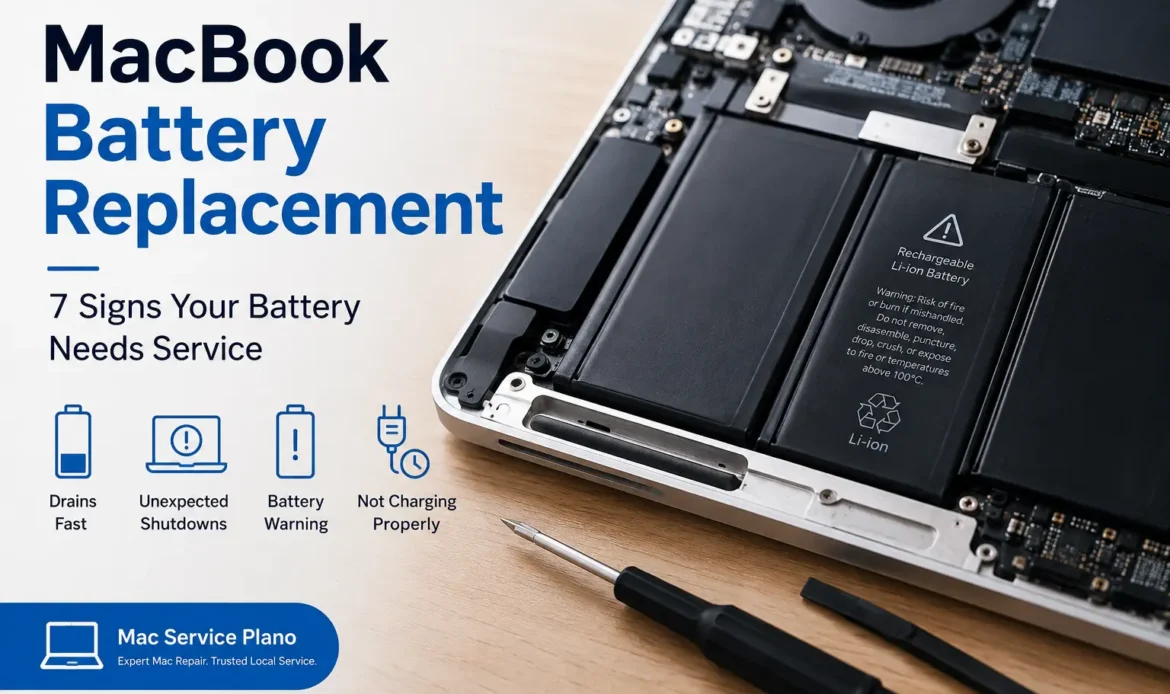
Your MacBook battery is designed to provide reliable power throughout the day, but like any rechargeable battery, it gradually loses capacity with age and repeated charging cycles. If your MacBook no longer lasts as long as it once did, shuts down unexpectedly, or shows other unusual battery behavior, it may be time for professional service.
At Mac Service Plano, we help MacBook owners identify battery related problems and choose the appropriate repair or replacement option. Here are seven common signs that your MacBook battery may need service.
1. Your MacBook Battery Drains Much Faster Than Before
One of the most noticeable signs of battery wear is significantly reduced battery life.
A MacBook that previously lasted several hours on a charge may begin losing power much faster as the battery ages. Normal usage, software updates, background applications, screen brightness, and battery health can all affect runtime. However, if your usage has remained similar and the battery suddenly cannot hold a charge for nearly as long, the battery may have degraded.
macOS provides battery information that can help you understand the condition of your battery. Checking System Settings > Battery > Battery Health can provide useful information about battery condition and maximum capacity, depending on your MacBook model and macOS version.
2. Your MacBook Shuts Down Unexpectedly
Unexpected shutdowns can be frustrating, particularly when you are working on an important document, attending a meeting, or traveling without access to a charger.
A severely degraded battery may struggle to provide stable power when the MacBook is under heavier workloads. You might notice the MacBook shutting down even though the battery indicator still shows some remaining charge.
Unexpected shutdowns can also have other causes, including software problems, overheating, or hardware faults. For that reason, a professional diagnosis is important before replacing the battery.
3. The Battery Percentage Drops Suddenly
Does your MacBook show 40% battery and then quickly fall to 20% or another unexpectedly low percentage?
Rapid or inconsistent percentage changes can indicate that the battery is no longer maintaining its original capacity. Battery readings can occasionally be affected by software or calibration issues, so a single unusual reading does not automatically mean the battery needs replacement.
However, if sudden percentage drops happen regularly, it is worth having the battery and charging system inspected by a qualified technician.
4. Your MacBook Only Works Reliably When Plugged In
If your MacBook performs normally while connected to its charger but quickly shuts down or becomes unusable after disconnecting the charger, the battery may have reached the end of its useful service life.
This is particularly important for people who depend on their MacBook for business, school, travel, or remote work. A healthy battery should allow the computer to operate independently from the power adapter.
Before replacing the battery, a technician should also check the charger, charging port, power management system, and other relevant hardware to rule out alternative causes.
5. macOS Reports a Battery Service Warning
Your MacBook can provide useful information about battery condition through macOS. If you see a message indicating that the battery needs service or that its capacity has significantly decreased, do not ignore it.
Battery health information should be considered alongside real-world symptoms. For example, a reduced maximum capacity combined with short runtime or unexpected shutdowns provides a stronger indication that battery service may be appropriate.
Because battery technology and macOS features vary between MacBook generations, professional inspection can help determine the correct replacement procedure for your specific model.
6. Your MacBook Takes Too Long to Charge
Charging behavior can also provide clues about a potential battery or power-related issue.
If your MacBook consistently takes much longer to charge than expected, first check the power adapter, charging cable, outlet, and charging port. Accessories that are damaged, incompatible, or unable to provide the required power can affect charging performance.
If those components are working correctly but charging remains unusually slow or inconsistent, the battery or internal charging system may require further diagnosis.
At Mac Service Plano, testing the complete charging system can help identify whether the problem is actually the battery or another component.
7. The Battery or MacBook Shows Signs of Physical Swelling
Physical swelling is a more serious warning sign and should not be ignored.
A damaged or failing lithium-ion battery can sometimes swell, potentially causing the MacBook’s bottom case, trackpad, or other components to appear raised or distorted. If you notice unusual bulging, separation, or pressure around the MacBook, stop using the device and seek professional assistance.
Do not attempt to puncture, compress, remove, or repair a swollen battery yourself. Lithium-ion batteries can present fire and safety risks when physically damaged.
When Should You Replace a MacBook Battery?
There is no single symptom that applies to every MacBook owner. Battery replacement may be appropriate when the battery has substantially degraded, macOS recommends service, runtime has become impractical, or diagnostic testing identifies a battery fault.
The exact replacement process also depends on the MacBook model. Newer MacBook Air and MacBook Pro models can have different internal designs and battery configurations compared with older generations. Using the correct replacement part and following appropriate repair procedures is important for reliable results.
Why Professional MacBook Battery Service Matters
A MacBook battery is an internal component, and accessing it safely requires the appropriate tools, replacement part, and technical knowledge. Professional service can also help identify whether the battery is actually responsible for the problem.
At Mac Service Plano, our approach is to diagnose the issue before recommending a repair. We can help assess battery health, charging behavior, power-related symptoms, and other hardware concerns affecting your MacBook.
If your MacBook battery is draining quickly, shutting down unexpectedly, refusing to hold a charge, or showing a service warning, getting it inspected early may help prevent further inconvenience.
Need MacBook Battery Replacement in Plano?
A worn battery does not necessarily mean you need to replace your entire MacBook. In many situations, replacing the battery can restore practical battery life and make the device more convenient to use.
If you’re experiencing any of these seven warning signs, contact Mac Service Plano for professional MacBook battery diagnosis and replacement service. We can help determine whether your battery needs replacement and explain the repair options available for your specific MacBook model.
Mac Service Plano Professional MacBook battery service for reliable everyday performance.